
Step 1 of 6
Prepare your sequence
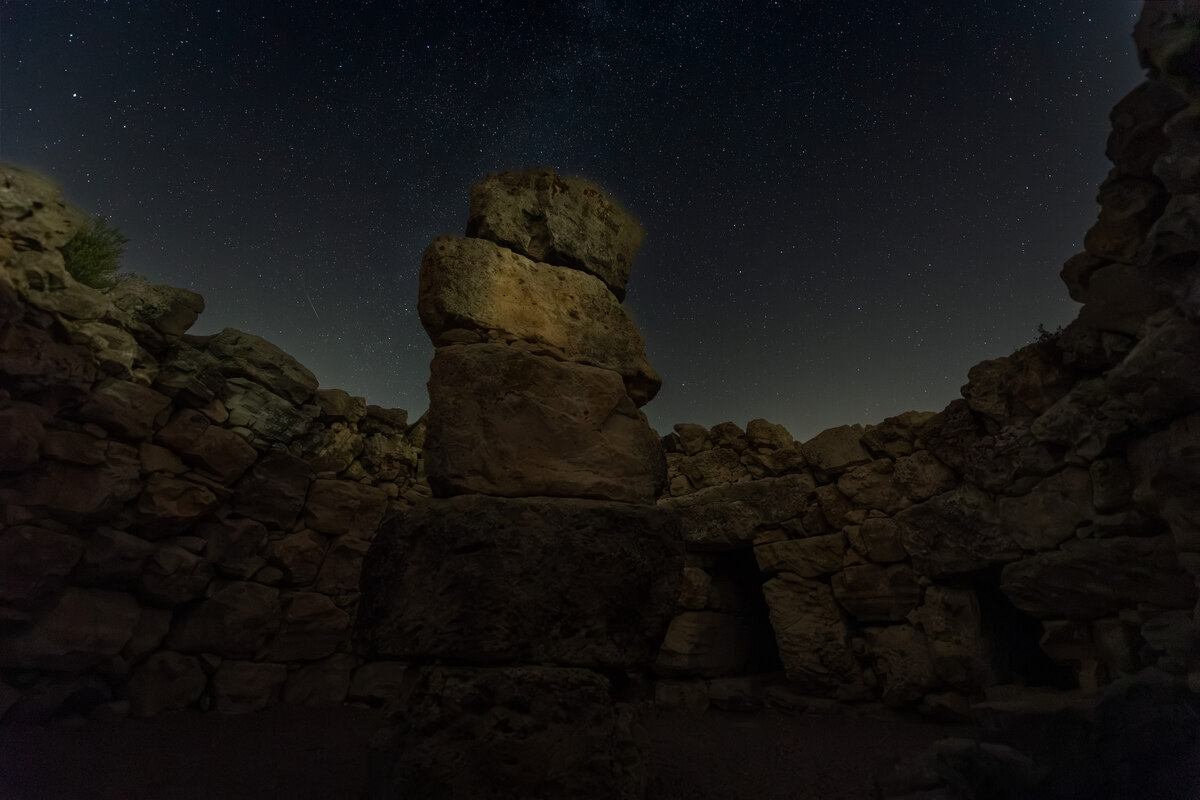
Prepare consecutive photographs with the same framing. Use Nikon NEF, Fujifilm RAF, Sony ARW/SRF/SR2 and Canon CRW/CR2/CR3 directly, or JPG, PNG and TIFF, keeping consistent dimensions and adjustments.
Step 2 of 6
Add photographs
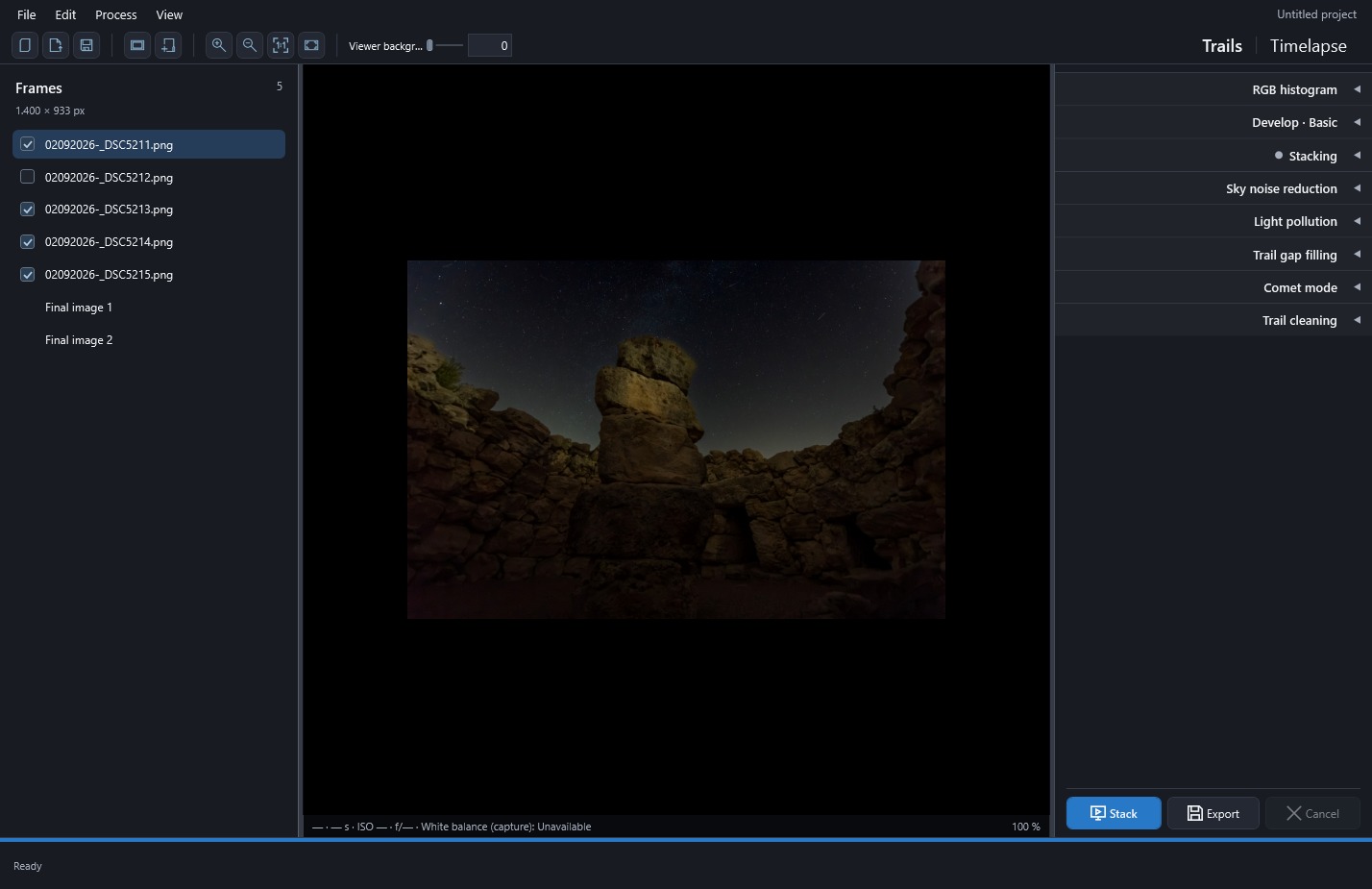
Use Add images, Add folder, or drag files/folders into Frames.
 Enlarge screenshot ↗
Step 3 of 6
Review the selection
Inspect the photographs and uncheck those you want to exclude. All included images must have matching dimensions.
Enlarge screenshot ↗Step 4 of 6
Stack with effects off
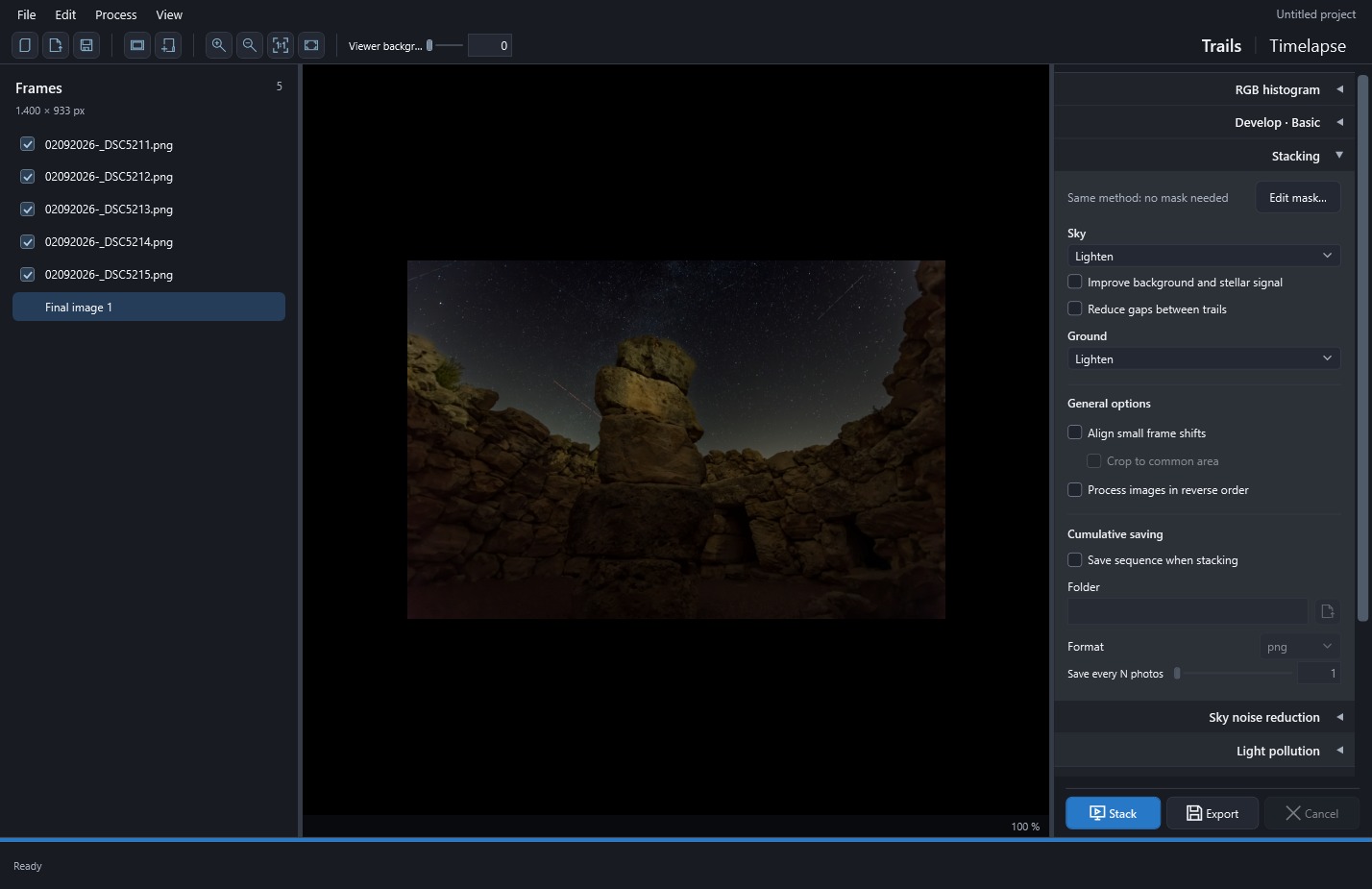
Select Trails, leave effects off and click Stack for an initial Lighten reference result.
 Enlarge screenshot ↗
Step 5 of 6
Export the image
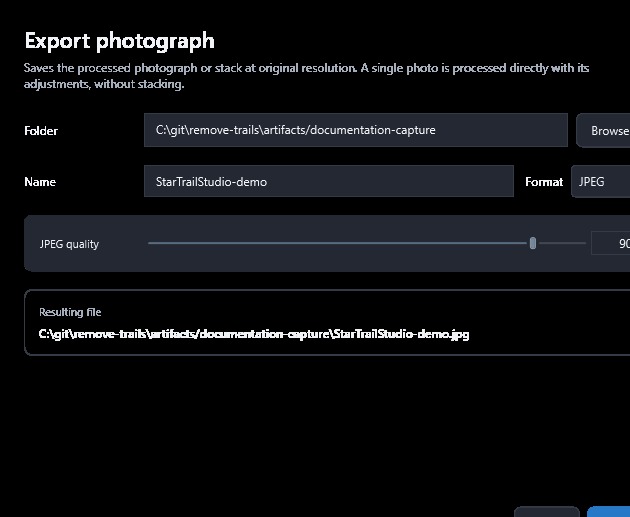
Click Export, choose the destination, name and format, then save the image.
 Enlarge screenshot ↗
Step 6 of 6
Save the project
Use File → Save to retain source references, selections and settings in a .stproj project.
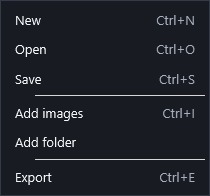 Enlarge screenshot ↗
Originals kept safe
When you finish, keep both the exported image and the project. The image is ready to share, while the project lets you continue working with every completed stack version at original resolution and precision, together with its settings. Keep the original photographs too, since they remain external files.
Where should I start?
| I want… | Start with… | Check… |
|---|---|---|
| A still image of stellar arcs | Trails, Sky on Lighten, effects off | Trail continuity and passing lights. |
| Arcs over a cleaner landscape | Sky on Lighten and Ground on Mean with rejection | Horizon mask and landscape detail. |
| Arcs over my favorite landscape photograph | Sky on Lighten and Ground on No stacking · reference photo | Reference name before Stack. |
| Stars with bright heads and soft tails | Comet mode after a reference stack | Apparent length and fading direction. |
| A film with natural motion | Timelapse in Normal mode | Order, duration, framing and flicker. |
| A film with growing or moving trails | Timelapse in Accumulative or Moving trails | Growth or expiration of older contributions. |
| To develop one photograph | Include one original, adjust it and Export | That an older Final image version is not selected. |