
When the result is not what you expected
| Unexpected result | Focused check |
|---|---|
| Changing an effect exports the same image | Check whether an older Final image is selected. Stack again and select the new version. |
| Comet darkens the landscape | Review the sky mask and Ground method; compare with comet off. |
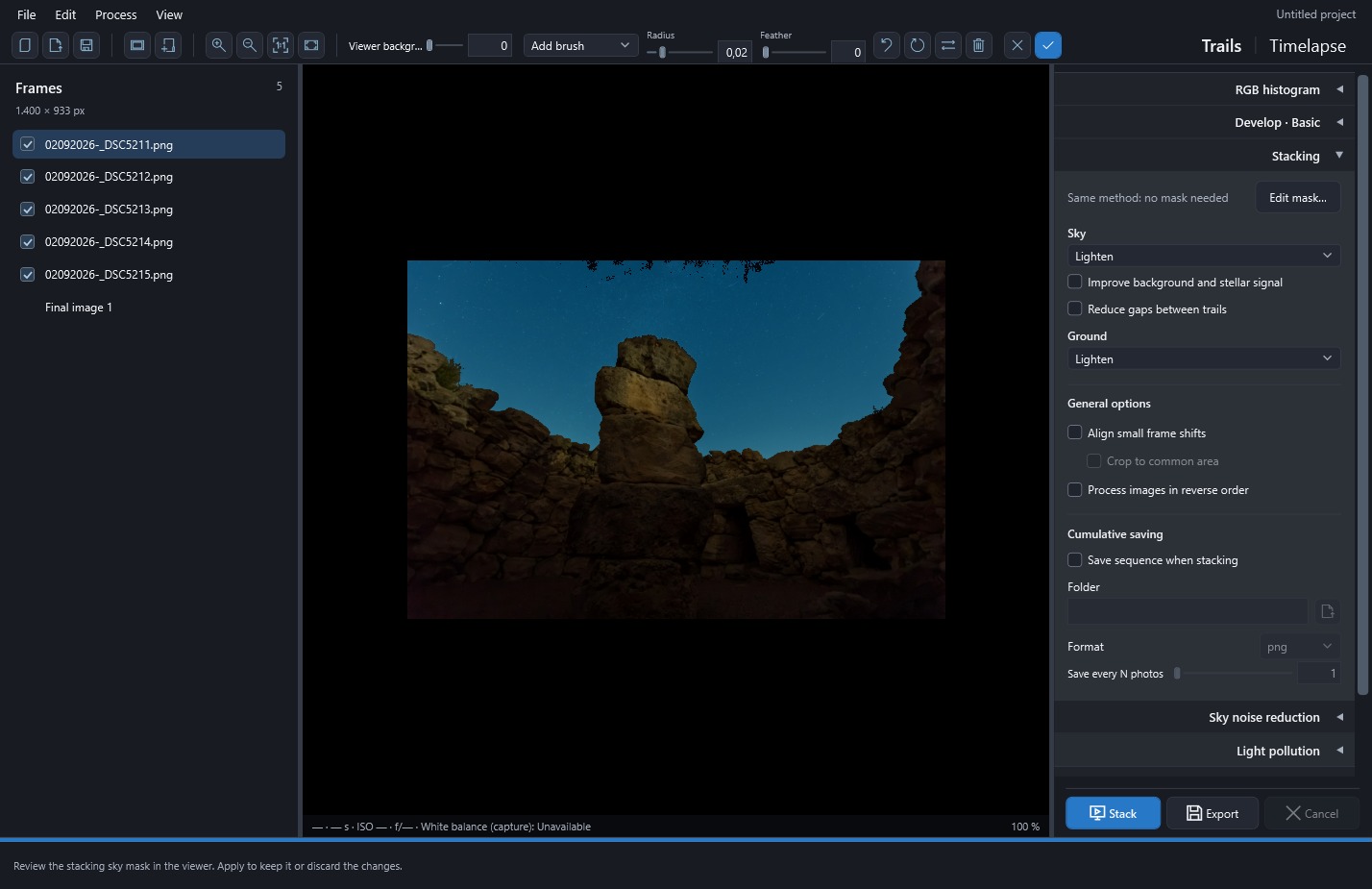
| Comet or filling cannot be enabled | Choose Lighten for Sky; other methods retain values without applying them. |
| Ground comes from the wrong photo | Check Reference photo immediately before Stack and select the intended original. |
| Averaging attenuates my stars | Use Lighten for Sky; reserve Mean with rejection for static regions when you want arcs. |
| A seam appears on the horizon | Review that effect's mask, feathering and regional adjustment strength. |
| Noise reduction doubles stars | Lower strength or neighbors, compare without reduction, and inspect signal and mask. |
| Filling bridges different stars | Compare Before/Result and reconstruction; lower the interval or use Conservative. |
| Pollution correction removes diffuse structure | Lower strength and inspect the mask; structure may have been interpreted as background. |
| The series abruptly changes color or brightness | Review per-photo development, links and Apply photo development before increasing deflicker. |
| The video loses its beginning or end | Check range, step and use of endpoints as cleanup references. |
| Stack is unavailable for one photo | Export its development; ordinary stacking needs more than one input. |
To find the cause, try a few photos that show the problem and change one setting at a time. Keep the project and an earlier version for comparison.
Other problems and limits
| Situation | What to check |
|---|---|
| Stack/detect is disabled | Finish the active operation and include valid, same-size photographs. Detection requires at least three. |
| A correction is not visible | Check its toggle, candidate selection and analysis validity; restack or regenerate the preview. |
| Early comet output is dark | Cumulative steps include only photographs already processed with their final weights. |
| A mask includes landscape | Edit it before reconstruction or background correction; automatic proposals are not infallible. |
| Alignment fails | Use textured foreground or disable alignment; rotation and perspective are unsupported. |
| Project photographs are missing | Restore their original paths or import them into another project. |
| High memory use or slow processing | Try fewer frames, disable advanced reconstruction and close other apps. Native-resolution output is more demanding than preview. |
| MP4 export fails | Check free space, destination and Windows multimedia components; export a sequence instead. |
| An error dialog appears | Copy the details and note photos, settings and version. Logs are in %LOCALAPPDATA%\StarTrail Studio\Logs. |
If your workflow relies on other RAW formats, dark/bias/flat calibration or general curve editing, prepare or finish that work in another tool: StarTrail Studio does not include those features. It also has no automatic updates or cloud synchronization. You can work without signing in, and processing does not send photographs to external services.
Detection and reconstruction accuracy depend on the scene, so inspect corrected areas before treating an export as final.
 Enlarge screenshot ↗